01.
Browse AI
A browser extension that extracts page content and uses Gemini to answer with context-aware, relevant responses.
Portfolio Case Study
01.
A browser extension that extracts page content and uses Gemini to answer with context-aware, relevant responses.
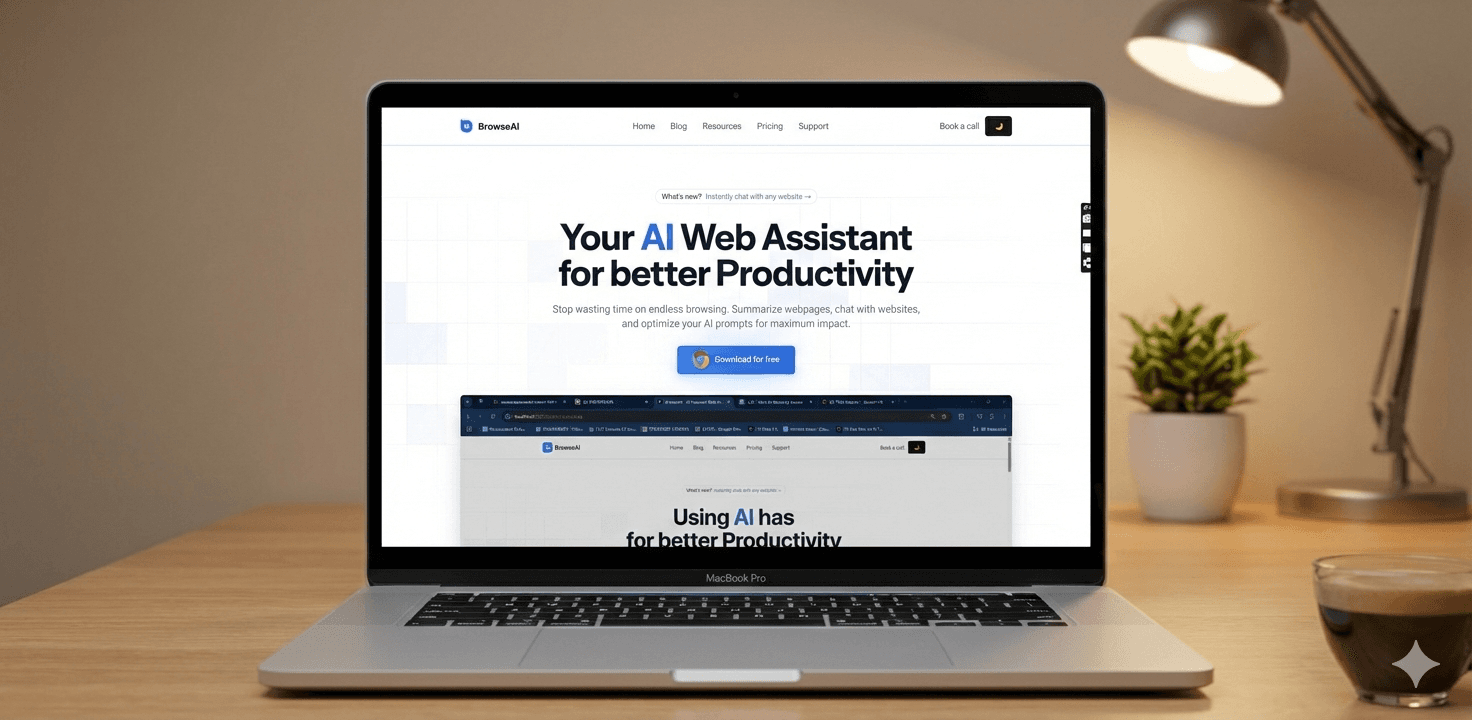
People jump between tabs and tools when trying to summarize, extract, or rewrite web content. That context switching causes delay and cognitive load.
Writers, researchers, and students wanted AI help inside the page they were already reading. The key need was not just answers, but speed and continuity of flow.
As TPM and product engineer, I defined the product scope, prioritized the highest-leverage user flows, and translated them into a lightweight RAG architecture that extracts page context, ranks relevance, and packages prompt + conversation history for Gemini.
I shipped a click-to-open browser extension popup (not a sidebar) using Tesseract.js and a JavaScript scraping library to extract active-page content, then routed relevant context plus user prompts and conversation state into the Gemini API for grounded answers.
The product made common reading and writing tasks meaningfully faster, and users reported lower effort because they no longer had to switch between multiple AI tabs.
The biggest learning was balancing flexibility with focus. Next iteration, I would add stronger memory controls and personalization for repeated workflows.